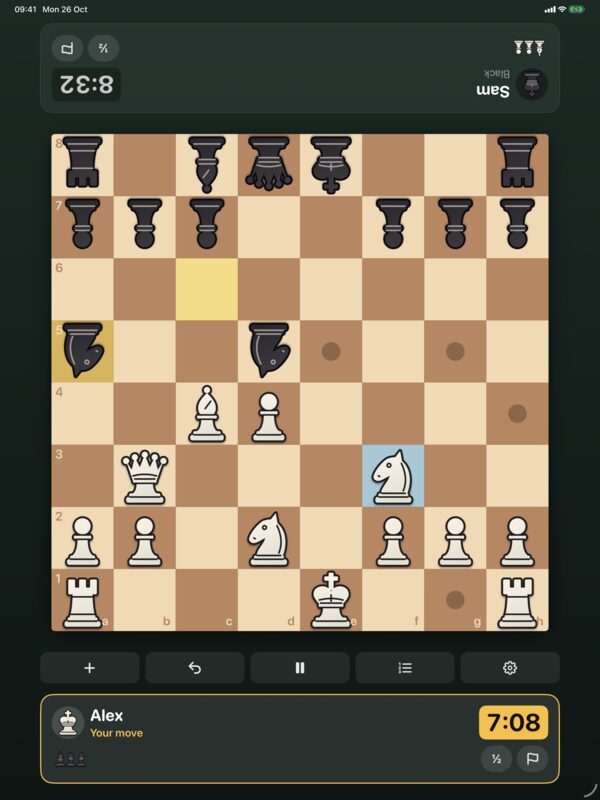
How do I move a piece?
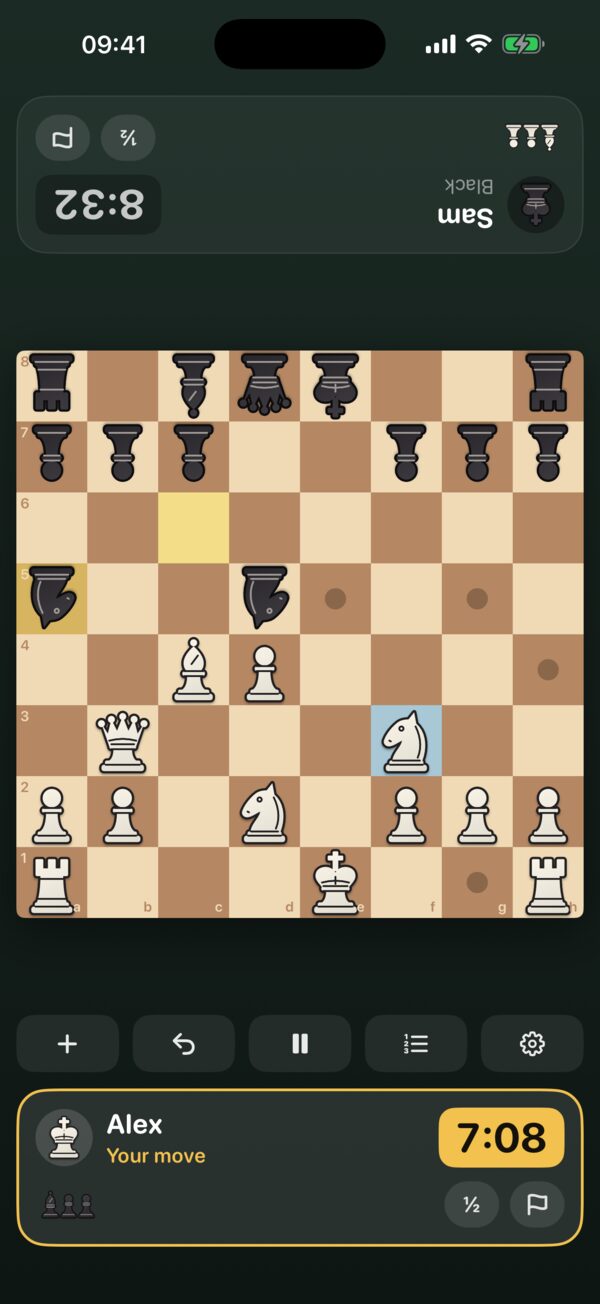
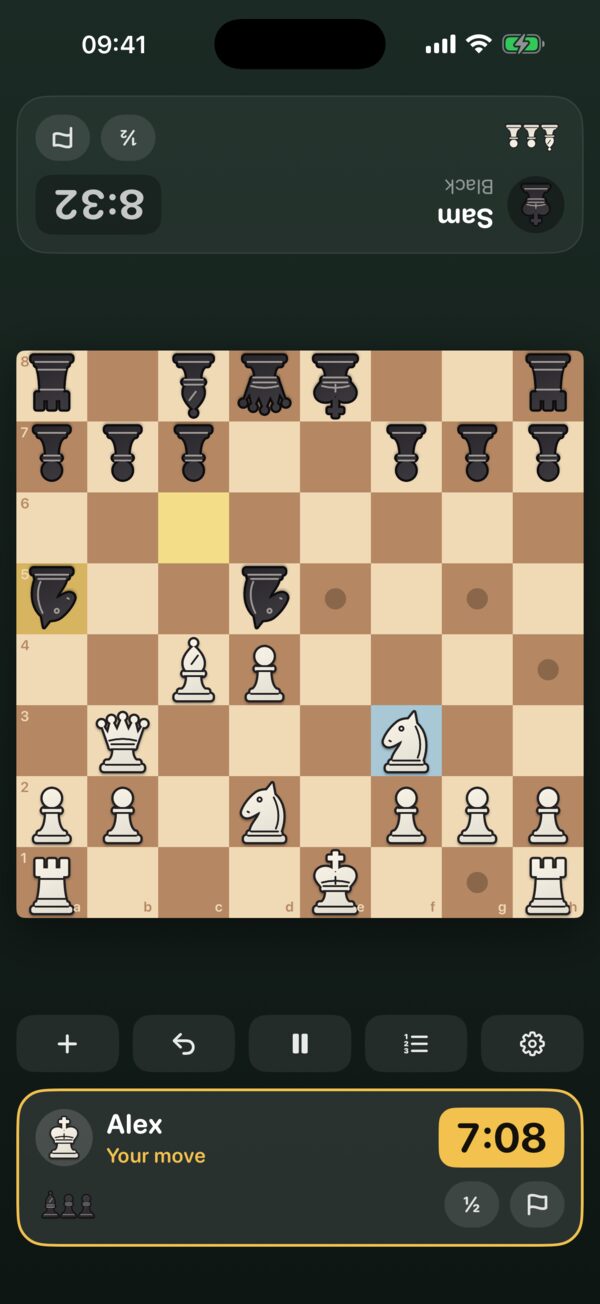
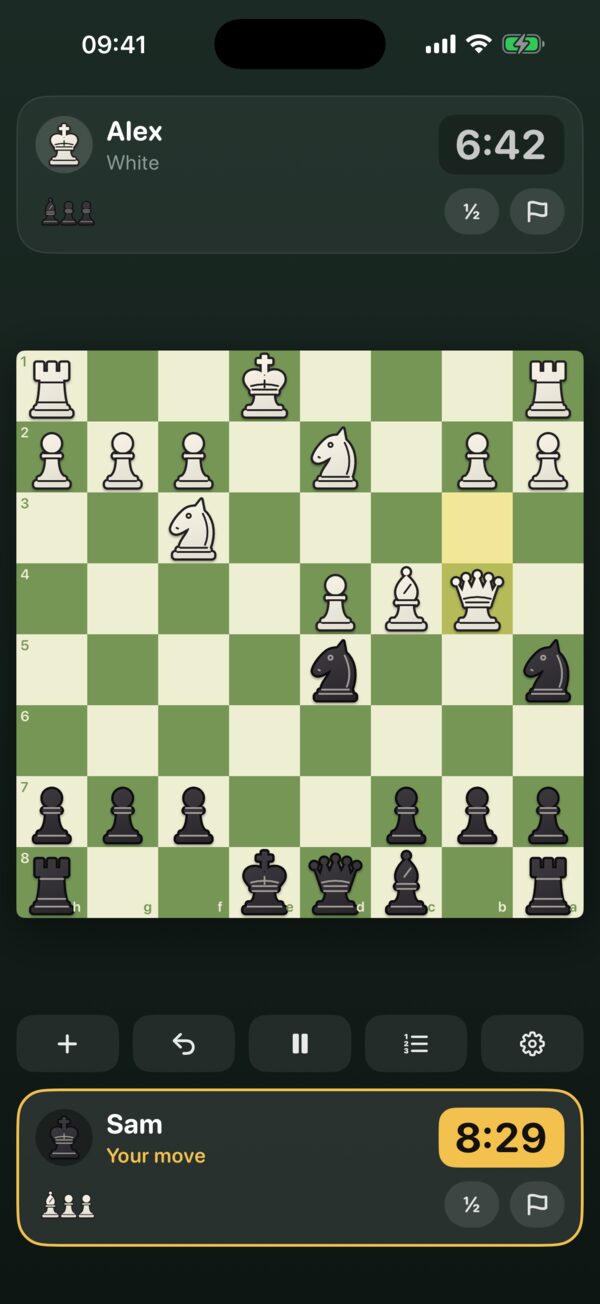
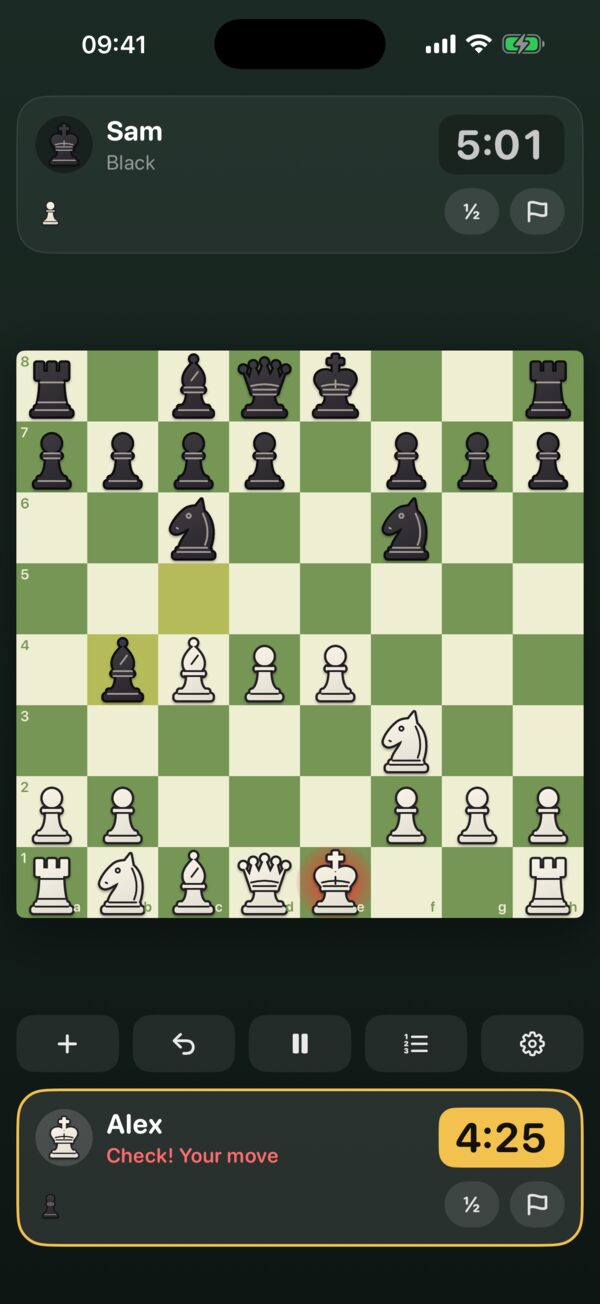
Tap a piece, then tap where it should go. Or drag it. Dots show the squares it can reach and rings show captures.
What's the difference between the two modes?
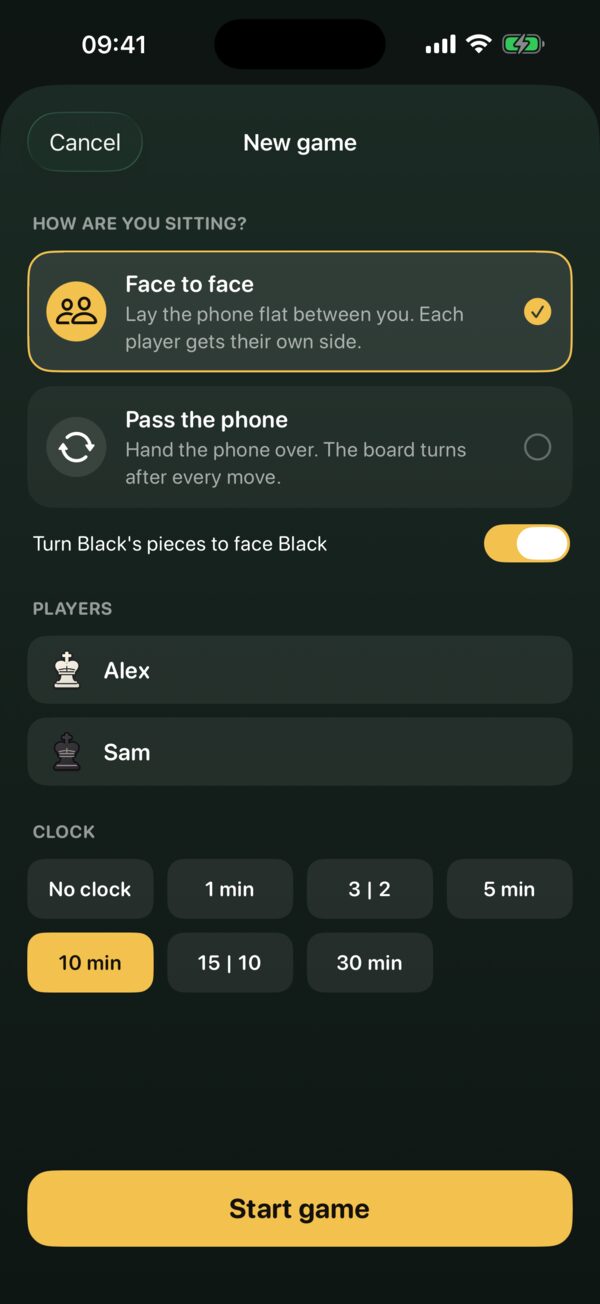
Face to face: the phone lies flat between you and Black's panel is upside down so each player reads their own side. You can also turn Black's pieces to face Black. Pass the phone: the board turns after every move so the player to move is always at the bottom.
How does the game decide who won?
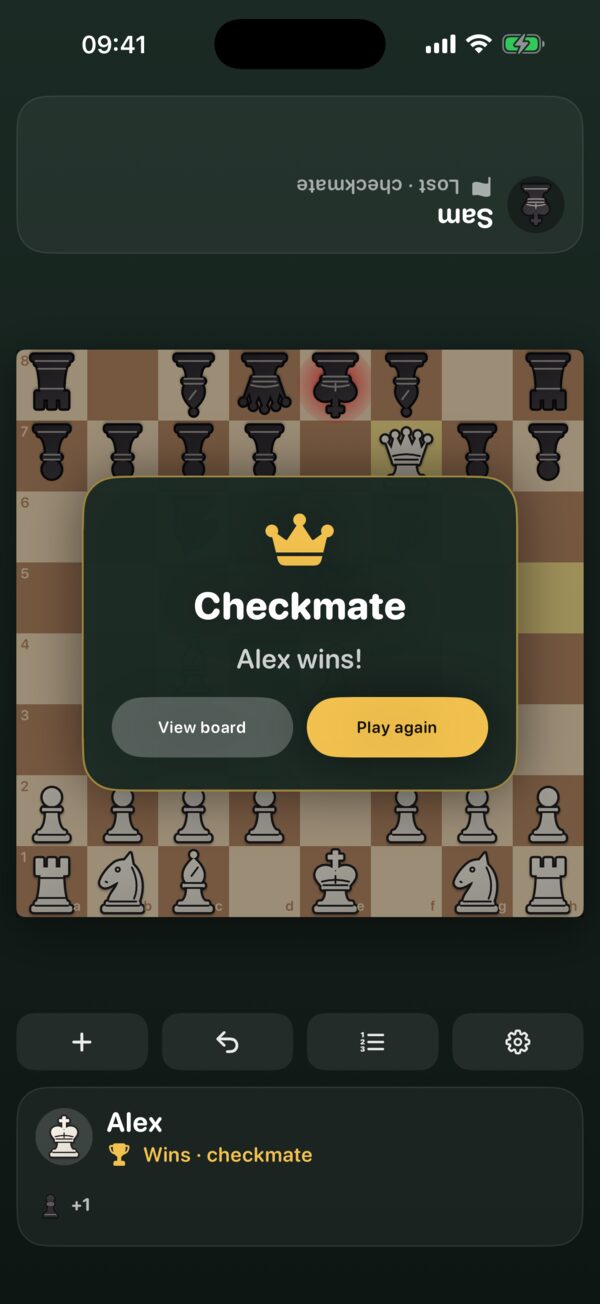
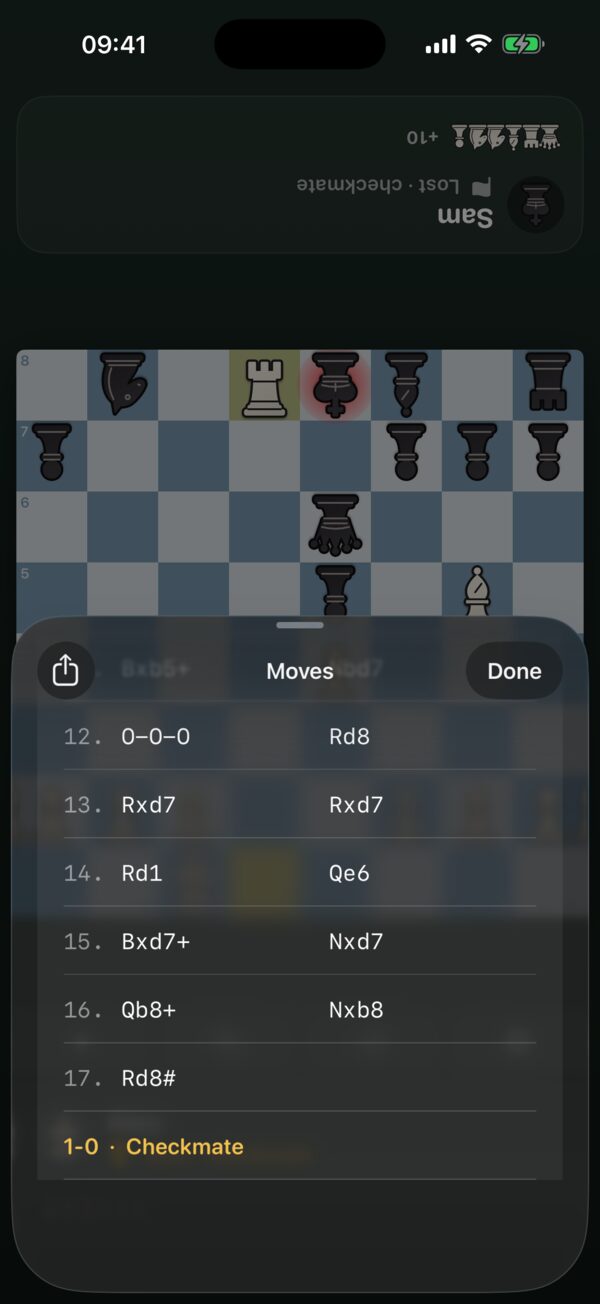
Checkmate, resignation or running out of time wins. A game is drawn by stalemate, insufficient material, threefold repetition, the 50-move rule or when both players agree. If your time runs out but your opponent can't possibly checkmate, it's a draw, as in official rules.
Can I take back a move?
Yes. Tap the take-back button under the board. Time already spent on the move isn't refunded.
Can I play against the computer or online?
No. TableChess is made for two people sitting together with one iPhone.
Does it work on iPad?
Yes. On iPad the board is bigger, and in landscape each player's panel sits on their side of the board. Lay it flat on the table and play.
Will an ad interrupt our game?
No. Full-screen ads only ever appear when you start a new game, never while a game is being played, and not after your first game. A small banner stays at the bottom of the screen.
How do I change my ad privacy choices?
If you're in a region where ad consent applies, open TableChess › Settings (gear button) › Ad privacy choices. You can also control tracking in iOS Settings › Privacy & Security › Tracking. See the privacy policy for details.
How do I offer a draw?
Tap ½ on your side. Your opponent sees Accept and Decline on their side. Making a move instead declines the offer.